
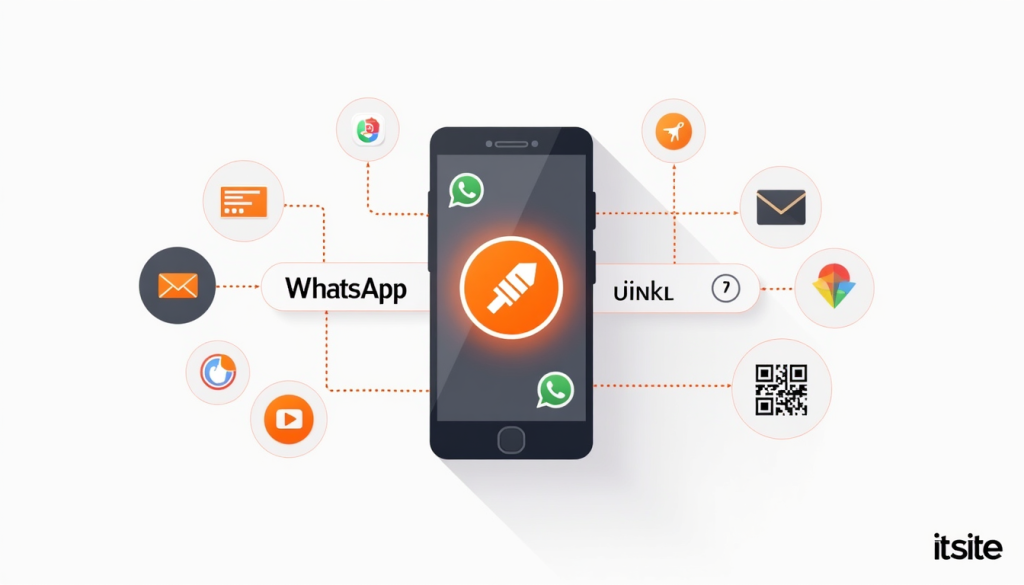
Have you ever wanted your website visitors or social media followers to message you on WhatsApp with just one click — without them having to save your number first? That’s exactly what a WhatsApp Link Generator makes possible.
In this guide, we’ll cover what a WhatsApp chat link is, why every business needs one, and how to create yours for free in seconds using it3’s WhatsApp Link Generator.
What Is a WhatsApp Chat Link?
A WhatsApp chat link (also called a Click-to-Chat link) is a special URL that, when clicked, opens a WhatsApp chat window directly with your number — without the person needing to save your contact first.
A standard WhatsApp chat link looks like this:
https://wa.me/919876543210You can also add a pre-filled message so the conversation starts automatically:
https://wa.me/919876543210?text=Hello!%20I%20want%20to%20know%20more%20about%20your%20services.When someone clicks this link on their phone or desktop, WhatsApp opens instantly with your number and the pre-filled message ready to send — making it incredibly easy for customers to reach you.
Why Every Business Needs a WhatsApp Chat Link
WhatsApp has over 2 billion active users worldwide, making it one of the most powerful customer communication channels available today — especially in India, Southeast Asia, Latin America, and the Middle East.
Here’s why a WhatsApp chat link is essential for your business:
1. Instant Customer Communication
Customers can reach you in one tap — no need to copy your number, open WhatsApp separately, and create a new chat. Reducing friction means more people actually message you.
2. Higher Conversion Rates
Adding a WhatsApp chat link to your website, landing page, or Instagram bio can significantly increase inquiries and leads. Studies show that customers who can message a business directly are far more likely to convert than those who have to fill out a contact form.
3. Professional Pre-filled Messages
With a WhatsApp link generator, you can add a custom pre-filled message that appears automatically when someone opens the chat. This saves the customer time and ensures you receive structured, useful inquiries right from the first message.
4. Works Without Saving Contact
The biggest advantage — customers don’t need to save your number to message you. One click and the chat opens instantly.
5. Easy to Share Everywhere
Your WhatsApp link works on websites, Instagram bios, Facebook pages, email signatures, business cards, QR codes, and anywhere else you can share a URL.
Where to Use Your WhatsApp Chat Link
Website: Add a floating WhatsApp button or a “Chat with Us” CTA button on your homepage, product pages, and contact page.
Instagram Bio: Add your WhatsApp link in your Instagram bio to let followers message you directly. Shorten it first with it3’s URL Shortener for a cleaner look.
Facebook Page: Add it to your Facebook Page’s call-to-action button or in your posts and stories.
Email Signature: Include a “Chat on WhatsApp” link in your professional email signature for quick client communication.
Business Cards: Convert your WhatsApp link into a QR code using it3’s QR Code Generator and print it on your business card — customers scan and chat instantly.
Google My Business: Add your WhatsApp link to your Google Business Profile so potential customers can reach you directly from search results.
WhatsApp Marketing Campaigns: Use pre-filled message links in your marketing campaigns to start structured conversations with leads.
How to Create a WhatsApp Link for Free With it3
it3’s WhatsApp Link Generator makes the process incredibly simple:
- Open the WhatsApp Link Generator tool in your browser
- Enter your WhatsApp phone number with country code (e.g., +91 for India)
- Add an optional pre-filled message (e.g., “Hello! I’d like to know more about your services.”)
- Click Generate to instantly create your WhatsApp chat link
- Copy the link and use it anywhere — or shorten it with it3’s URL Shortener for a cleaner share
No signup required, completely free, works on any device.
WhatsApp Link + QR Code = Perfect Combo
Once you’ve generated your WhatsApp chat link, take it one step further by converting it into a QR code using it3’s QR Code Generator. Print the QR code on:
- Business cards
- Storefront windows and posters
- Product packaging
- Restaurant tables
- Event banners and flyers
Customers scan the code and land directly in your WhatsApp chat — bridging the gap between your offline and online presence effortlessly.
WhatsApp Link vs WhatsApp Business API — What’s the Difference?
| WhatsApp Chat Link | WhatsApp Business API |
|---|---|
| Free to create and use | Paid service via approved providers |
| Works for personal and business numbers | Designed for large-scale business messaging |
| Opens a single chat window | Enables automated messaging and chatbots |
| Perfect for small businesses and freelancers | Best for enterprises with high message volumes |
| No approval required | Requires Facebook Business Manager approval |
For small businesses, freelancers, content creators, and local shops — a simple WhatsApp chat link is all you need.
Tips for Getting More Messages on WhatsApp
Add a strong CTA near your link — don’t just drop the link. Add a clear call-to-action like “Have questions? Chat with us on WhatsApp!” to encourage clicks.
Use a pre-filled message — guide the conversation from the start. A message like “Hi! I’m interested in [product/service]. Can you share more details?” gives you structured inquiries instantly.
Shorten your link — long WhatsApp URLs look unprofessional. Use it3’s URL Shortener to create a clean, branded short link.
Track your clicks — when you shorten your WhatsApp link with it3, you get real-time click analytics — see how many people clicked, when, and from where.
Test before sharing — always click your generated link yourself first to make sure it opens the correct number and pre-filled message on both mobile and desktop.
Conclusion
A WhatsApp chat link is one of the simplest and most effective tools for improving customer communication and driving more business inquiries. Whether you’re a freelancer, small business owner, or content creator — making it easy for people to message you directly can transform how you connect with your audience.
Create your WhatsApp link now: Free WhatsApp Link Generator →