
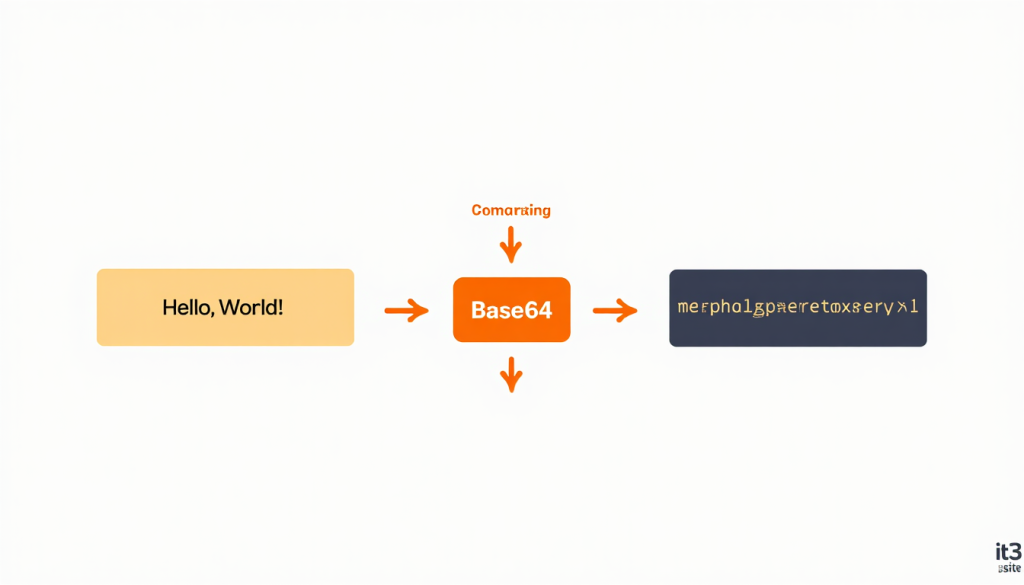
If you’ve ever worked with APIs, email attachments, or web development, you’ve likely come across a strange-looking string of random letters and numbers that ends with “==” or “=”. That’s Base64 encoding — and understanding it can save you hours of debugging and data transfer headaches.
In this article, we’ll explain what Base64 is, when and why it’s used, and how you can encode or decode any text, file, or image for free using it3’s Base64 tool.
What Is Base64?
Base64 is a binary-to-text encoding scheme that converts binary data (like images, files, or binary strings) into a plain text format using only 64 safe ASCII characters:
- Uppercase letters: A–Z
- Lowercase letters: a–z
- Numbers: 0–9
- Two special characters: + and /
- The = character is used for padding
A Base64 encoded string looks like this:
SGVsbG8sIFdvcmxkIQ==Which decodes to: Hello, World!
Why Is Base64 Used?
Base64 was invented to solve a specific problem — many data transfer systems (like email) were originally designed to handle only plain text. Binary data like images, audio files, or executables would get corrupted during transfer.
Base64 solves this by converting binary data into a safe, universally supported text format that can travel through any system without corruption.
Common Use Cases for Base64
1. Embedding Images in HTML/CSS Instead of referencing an external image file, you can embed an image directly into your HTML or CSS as a Base64 string. This reduces HTTP requests and is useful for small icons and inline images.
<img src="data:image/png;base64,iVBORw0KGgoAAAANSUhEUg..." />2. API Data Transfer Many REST APIs use Base64 to encode binary payloads — such as images, PDFs, or audio files — before sending them as JSON strings. When you receive the data, you decode it back to its original format.
3. Email Attachments (MIME) The email protocol uses Base64 to encode attachments. When you send a PDF or image via email, your email client automatically encodes it to Base64 before sending and decodes it on the receiving end.
4. Authentication Tokens HTTP Basic Authentication encodes credentials (username:password) as Base64 before sending them in the Authorization header.
Authorization: Basic dXNlcm5hbWU6cGFzc3dvcmQ=5. Storing Binary Data in Databases Some databases and storage systems are text-only. Base64 encoding allows you to store binary data like images or files as plain text strings.
6. JWT Tokens JSON Web Tokens (JWTs) — widely used for authentication in modern web apps — use Base64URL encoding for their header and payload sections.
7. Configuration Files Kubernetes Secrets, Docker configs, and many cloud services use Base64 to store sensitive binary data like certificates and private keys in YAML or JSON configuration files.
Base64 Encoding vs Encryption — Key Difference
This is the most common misconception about Base64:
Base64 is NOT encryption. It is NOT secure.
Base64 is simply an encoding format — anyone can decode a Base64 string back to its original content in seconds. It offers zero security or privacy protection.
Never use Base64 to “hide” sensitive information like passwords or API keys. For actual security, use proper encryption algorithms like AES or RSA.
How to Encode and Decode Base64 for Free With it3
it3’s Base64 Encoder & Decoder tool is fast, free, and works entirely in your browser:
To Encode:
- Paste your text or upload your file
- Click “Encode”
- Copy the Base64 output string
To Decode:
- Paste your Base64 string
- Click “Decode”
- Get back the original text or download the decoded file
No signup, no installation, no data stored on servers — everything happens locally in your browser for maximum privacy.
Base64 for Images — Practical Example
Let’s say you want to embed a small logo directly into your CSS without an external file request:
- Upload your PNG logo to it3’s Base64 tool
- Click Encode to get the Base64 string
- Use it in your CSS like this:
.logo {
  background-image: url('data:image/png;base64,YOUR_BASE64_STRING_HERE');
}
This eliminates one HTTP request per page load — which adds up significantly on high-traffic websites.
Base64URL vs Standard Base64
You may also encounter Base64URL encoding — a variant used in JWTs and URLs. The difference is minor:
| Standard Base64 | Base64URL |
|---|---|
| Uses + and / | Uses – and _ |
| May use = padding | Padding often omitted |
| Not URL safe | Safe for use in URLs |
it3’s tool supports both standard Base64 and Base64URL encoding/decoding.
Who Uses Base64 Tools?
- Web Developers — embedding images in HTML/CSS, working with APIs
- Backend Engineers — handling binary data in JSON payloads
- DevOps Engineers — managing Kubernetes secrets and cloud configs
- Security Researchers — decoding tokens and analyzing authentication headers
- Email Developers — debugging MIME-encoded email content
- Students — learning about data encoding and web protocols
Pro Tips for Working With Base64
- Check for padding — valid Base64 strings always have a length divisible by 4, padded with = if needed
- Watch for whitespace — spaces or line breaks in a Base64 string will cause decoding errors; always trim before decoding
- Don’t use for large files — Base64 increases data size by approximately 33%, so it’s best suited for small files and strings
- Combine with compression — for larger data, compress first (e.g., gzip) then Base64 encode to minimize size increase
Conclusion
Base64 encoding is a fundamental concept in web development, APIs, authentication, and data transfer. Whether you need to embed an image in CSS, debug a JWT token, or handle binary API payloads, understanding Base64 — and having a reliable free tool to encode and decode it — is an invaluable skill.
Encode or decode now: Free Base64 Encoder & Decoder →