
Color is one of the most powerful elements in design. The right color palette can make a brand instantly recognizable, guide user attention, and even influence purchasing decisions. But working with colors in web design, graphic design, or development means constantly dealing with color codes — HEX, RGB, HSL, and more.
That’s where a free online Color Picker tool becomes an essential part of your workflow. In this guide, we’ll cover everything you need to know about color codes, color formats, and how to find and use any color instantly for free with it3.
What Is a Color Picker Tool?
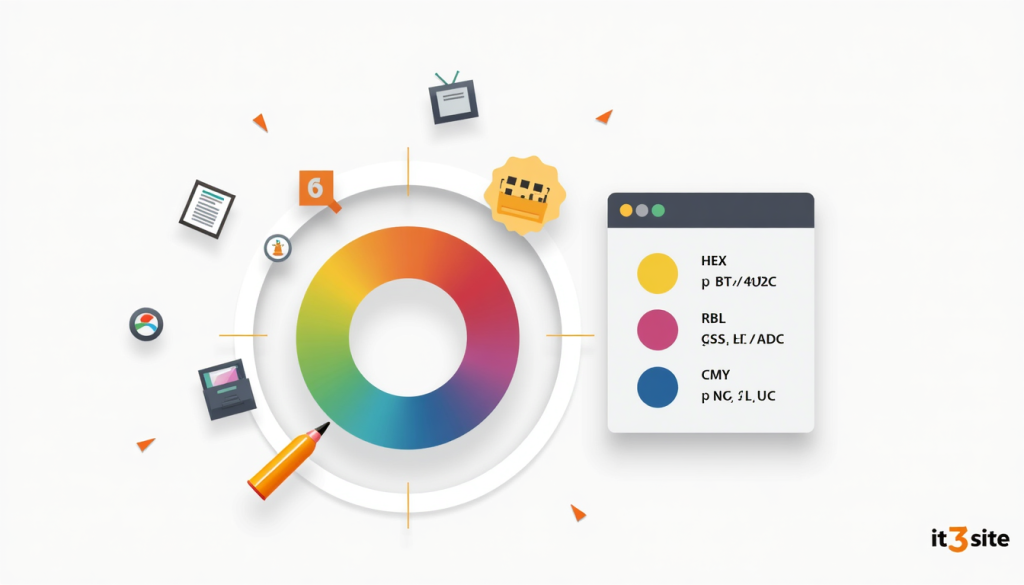
A Color Picker is an online tool that lets you visually select any color from a spectrum or color wheel and instantly get its corresponding code in multiple formats — HEX, RGB, HSL, CMYK, and more. It eliminates the need to manually calculate or guess color values, making it an essential tool for designers, developers, and marketers alike.
Understanding Color Code Formats
Before diving into how to use a color picker, it helps to understand the most common color formats you’ll encounter:
HEX (Hexadecimal) The most widely used format in web design. Represents colors as a 6-character code preceded by a # symbol. Example: #ee6123 (it3’s brand orange)
RGB (Red, Green, Blue) Defines colors by specifying the intensity of red, green, and blue channels on a scale of 0 to 255. Example: rgb(238, 97, 35)
HSL (Hue, Saturation, Lightness) A more human-readable format that defines colors by hue angle (0–360°), saturation percentage, and lightness percentage. Example: hsl(22, 85%, 53%)
CMYK (Cyan, Magenta, Yellow, Black) Used primarily in print design. Defines colors as percentages of four ink colors. Example: cmyk(0%, 59%, 85%, 7%)
HSB/HSV (Hue, Saturation, Brightness/Value) Similar to HSL but uses brightness instead of lightness. Commonly used in design software like Adobe Photoshop and Illustrator.
Why Do Designers and Developers Need a Color Picker?
1. Brand Consistency
Maintaining exact brand colors across websites, social media, print materials, and apps requires precise color codes. A color picker ensures you always use the exact same shade — no eyeballing or guessing.
2. Cross-Format Conversion
Your developer needs HEX, your print designer needs CMYK, and your CSS uses RGB. A good color picker converts between all formats instantly — saving time and preventing costly color mismatches.
3. Color Matching
When you see a color you like on a website, image, or design and want to use it in your own work, a color picker lets you identify its exact code so you can replicate it perfectly.
4. Accessibility Checking
Choosing colors for text and backgrounds requires checking contrast ratios to ensure readability for users with visual impairments. A color picker helps you find accessible color combinations that meet WCAG guidelines.
5. Faster Workflow
Instead of switching between multiple design tools or referencing color charts, a browser-based color picker gives you instant access to any color code right where you’re working.
How to Use it3’s Free Color Picker Tool
it3’s Color Picker tool is simple, fast, and requires zero installation:
- Open the Color Picker tool in your browser
- Click anywhere on the color spectrum or wheel to select your desired color
- Fine-tune using the hue, saturation, and lightness sliders
- Instantly get the color code in HEX, RGB, HSL, and CMYK formats
- Click any format to copy it to your clipboard with one click
No signup required, no watermarks, works on any device including mobile.
Common Use Cases for a Color Picker
Web Developers: Copy HEX or RGB codes directly into CSS stylesheets for backgrounds, text, borders, and button colors.
UI/UX Designers: Build consistent color palettes for apps and websites, ensure proper contrast ratios for accessibility.
Graphic Designers: Match brand colors precisely across different design tools and file formats.
Social Media Managers: Maintain consistent brand color usage across all social media graphics and templates.
Marketers: Ensure brand color consistency across email templates, landing pages, and ad creatives.
Students & Beginners: Learn about color theory, color relationships, and how digital color codes work.
Tips for Choosing the Right Colors for Your Brand
Use the 60-30-10 Rule 60% of your design should use a dominant color, 30% a secondary color, and 10% an accent color. This creates visual balance without overwhelming the viewer.
Consider Color Psychology Colors trigger emotional responses. Orange (like it3’s #ee6123) conveys energy, creativity, and enthusiasm. Blue suggests trust and professionalism. Green represents growth and health. Choose colors that align with your brand personality.
Test for Accessibility Ensure your text color has sufficient contrast against its background. The WCAG recommends a minimum contrast ratio of 4.5:1 for normal text and 3:1 for large text.
Limit Your Palette Most successful brands use 2–3 core colors consistently. More colors can make a brand look inconsistent and unprofessional.
Check Colors on Different Screens Colors can appear differently on various monitors and devices. Always preview your chosen colors on multiple screens before finalizing.
Color Picker vs Color Palette Generator — What’s the Difference?
A Color Picker helps you select, identify, and copy a specific color code. A Color Palette Generator takes a base color and suggests complementary, analogous, or triadic color combinations to build a full palette. Both tools work hand-in-hand for effective color selection in design projects.
Conclusion
Whether you’re building a website, designing a logo, creating social media graphics, or coding a mobile app — having instant access to precise color codes in every format is a must. it3’s free Color Picker tool gives you everything you need to work with color confidently, consistently, and efficiently.
Pick your perfect color now: Free Color Picker →