
Whether you’re writing a blog post, academic essay, social media caption, or professional email — word count matters more than most people realize. Too short and your content lacks depth. Too long and you risk losing your reader’s attention or exceeding platform character limits.
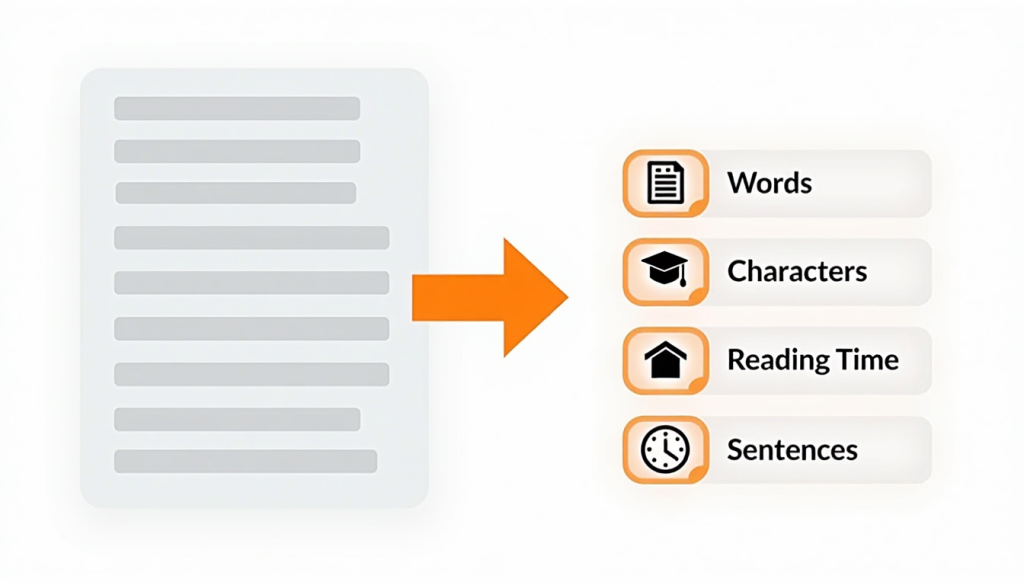
A free online Word Counter tool gives you instant, accurate stats on your text — words, characters, sentences, paragraphs, and even estimated reading time — all in real time as you type.
In this guide, we’ll cover why word count matters, how different platforms have different limits, and how to use it3’s free Word Counter tool to write smarter and faster.
Why Word Count Matters
Word count is more than just a number. It directly impacts:
- SEO performance — search engines favor comprehensive content; most top-ranking blog posts are between 1,500 and 2,500 words
- Reader engagement — content that’s too short feels shallow; content that’s too long loses readers without proper structure
- Platform compliance — Twitter, LinkedIn, Instagram, and SMS all have strict character limits
- Academic requirements — essays, dissertations, and reports often have strict minimum and maximum word counts
- Readability — knowing sentence length and paragraph count helps you write cleaner, more digestible content
Word and Character Limits on Popular Platforms
One of the most practical uses of a word counter is ensuring your content fits within platform-specific limits before you post or submit:
| Platform | Limit |
|---|---|
| Twitter / X Post | 280 characters |
| LinkedIn Post | 3,000 characters |
| LinkedIn Article | 125,000 characters |
| Instagram Caption | 2,200 characters |
| Facebook Post | 63,206 characters |
| YouTube Description | 5,000 characters |
| Meta Title (SEO) | 50–60 characters |
| Meta Description (SEO) | 150–160 characters |
| SMS Message | 160 characters |
| Google Ads Headline | 30 characters |
| Google Ads Description | 90 characters |
Knowing these limits and checking your text against them before publishing saves time and prevents awkward cut-offs.
What Does a Word Counter Tool Measure?
A good word counter tool gives you far more than just a word count. Here’s what it3’s Word Counter tracks:
Word Count The total number of words in your text. Essential for blog posts, essays, reports, and any content with minimum or maximum word requirements.
Character Count (With Spaces) The total number of characters including spaces. Used for social media platforms, SMS, and ad copy where every character counts.
Character Count (Without Spaces) The total number of characters excluding spaces. Used for some academic submissions and specific platform requirements.
Sentence Count The total number of sentences. Helps you evaluate sentence variety and avoid overly long or overly short sentences that hurt readability.
Paragraph Count The total number of paragraphs. Useful for structuring long-form content and ensuring proper content flow.
Reading Time An estimated time to read the entire text based on the average adult reading speed of 200–250 words per minute. Helps you set reader expectations and gauge content depth.
Speaking Time An estimated time to speak the text aloud based on average speaking speed of 130 words per minute. Useful for presentations, speeches, podcasts, and video scripts.
How Word Count Affects SEO
Search engine optimization (SEO) and word count have a nuanced relationship. Here’s what the data says:
- Short-form content (under 300 words) — rarely ranks well for competitive keywords; better suited for quick answers or FAQ pages
- Medium-form content (300–1,000 words) — good for news articles, product pages, and simple how-to guides
- Long-form content (1,500–2,500 words) — consistently performs best for blog posts and informational content in search rankings
- Pillar content (3,000+ words) — excellent for comprehensive guides and topic authority pages
However, word count alone doesn’t guarantee rankings. Quality, relevance, and proper keyword usage matter far more than simply hitting a target number.
How to Use it3’s Free Word Counter Tool
it3’s Word Counter tool is instant, accurate, and completely free:
- Open the Word Counter tool in your browser
- Type or paste your text into the input box
- Instantly see your word count, character count, sentence count, paragraph count, reading time, and speaking time update in real time
- Copy, edit, or clear your text as needed
No signup required, no character limits on input, works on any device including mobile and tablet.
Practical Use Cases for a Word Counter
Bloggers and Content Writers Track word count while writing to hit SEO targets. Aim for 1,500–2,500 words for competitive blog topics. Use reading time to gauge whether your article is the right length for your audience.
Students and Academics Meet minimum and maximum word count requirements for essays, dissertations, and research papers. Instantly check compliance before submission without counting manually.
Social Media Managers Check character counts before posting on Twitter, Instagram, LinkedIn, and Facebook. Avoid the frustration of writing a caption that gets cut off mid-sentence.
Copywriters and Marketers Write Google Ads, email subject lines, and meta descriptions within strict character limits. Count words in landing page copy to optimize for conversions.
Authors and Novelists Track progress toward daily writing goals. Monitor chapter length and overall manuscript word count.
Translators Count words in source and translated text to ensure accurate billing and project scoping.
Public Speakers and Presenters Use speaking time estimates to ensure your speech fits within allotted time slots without going over.
Tips for Writing the Right Length Content
For Blog Posts: Aim for 1,500–2,000 words for standard posts and 2,500–3,500 for comprehensive guides. Always prioritize quality over hitting an arbitrary word count.
For Social Media: Write your caption first, then check the character count. Edit for conciseness rather than padding to fill limits.
For Emails: Subject lines perform best between 30–50 characters. Email body copy should be as short as possible while still conveying the full message.
For SEO Meta Descriptions: Keep between 150–160 characters to avoid truncation in search results. Include your target keyword naturally.
For Academic Writing: Always check your institution’s specific guidelines. Some count words only in the main body; others include references and footnotes.
Conclusion
A word counter is one of those deceptively simple tools that saves you an enormous amount of time and guesswork. Whether you’re optimizing a blog post for SEO, fitting a caption within Instagram’s character limit, or making sure your essay meets submission requirements — having instant, accurate text stats at your fingertips makes you a faster, smarter writer.
Count your words now: Free Word Counter Tool →